 HabitFlip
Make it yours.
Choose habits, a schedule, and a 30- or 60-day guided period. Give each routine its own name and selected apps.
A little space for you
Give your habits a place in your day. Let distracting apps wait.
Create a routine, choose your habits and apps, and set the days and time. Keep a few different routines for the moments that matter to you.
See how HabitFlip works ↗iOS 17 or later · Preparing for the App Store

See it in use
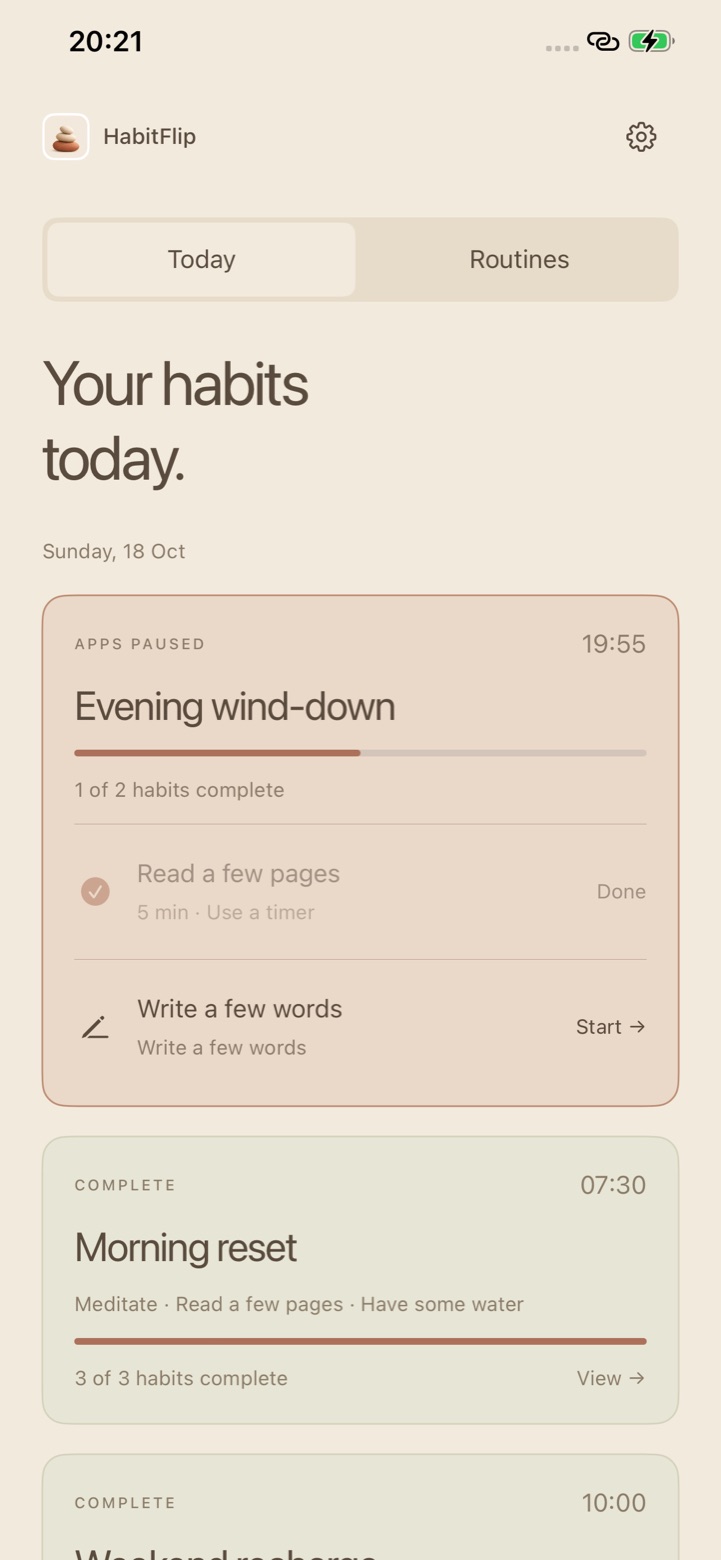
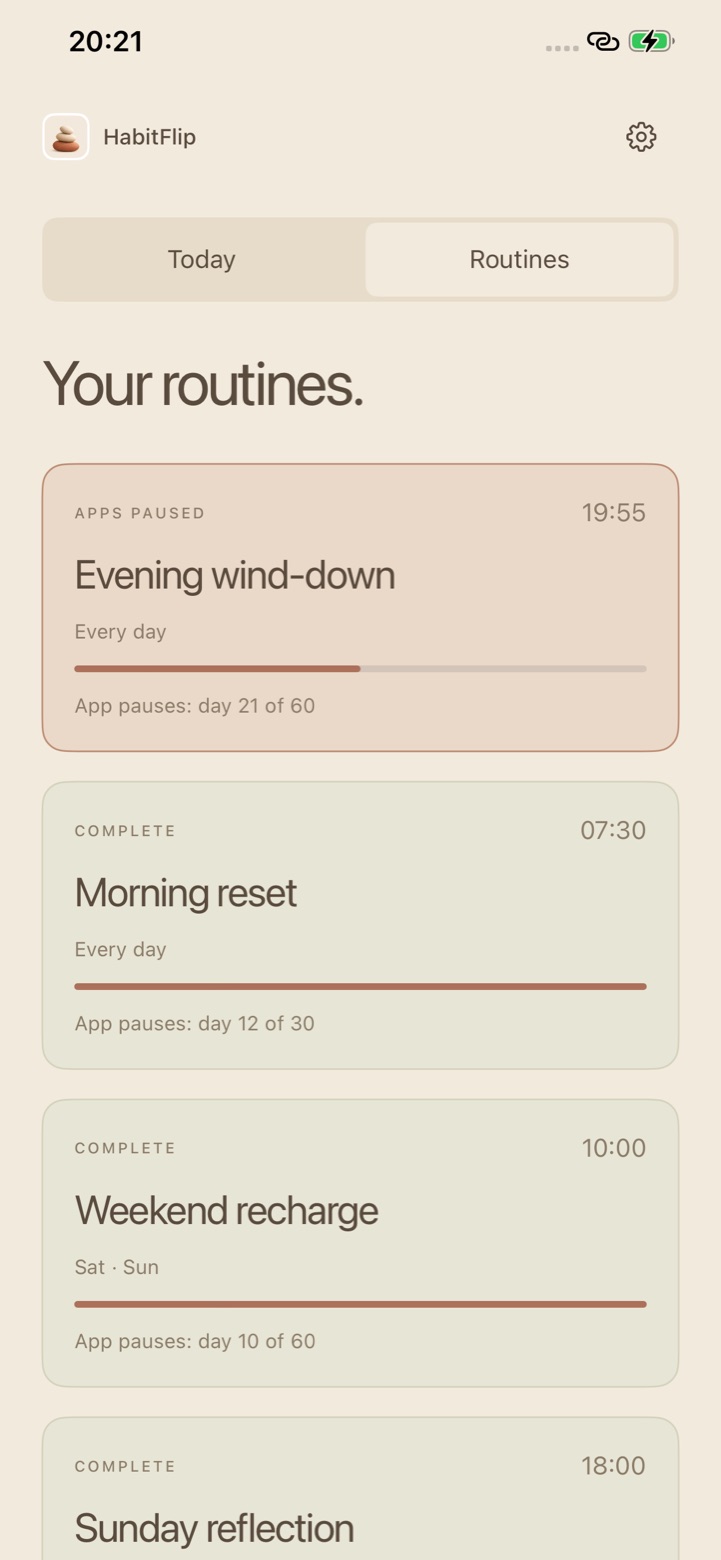
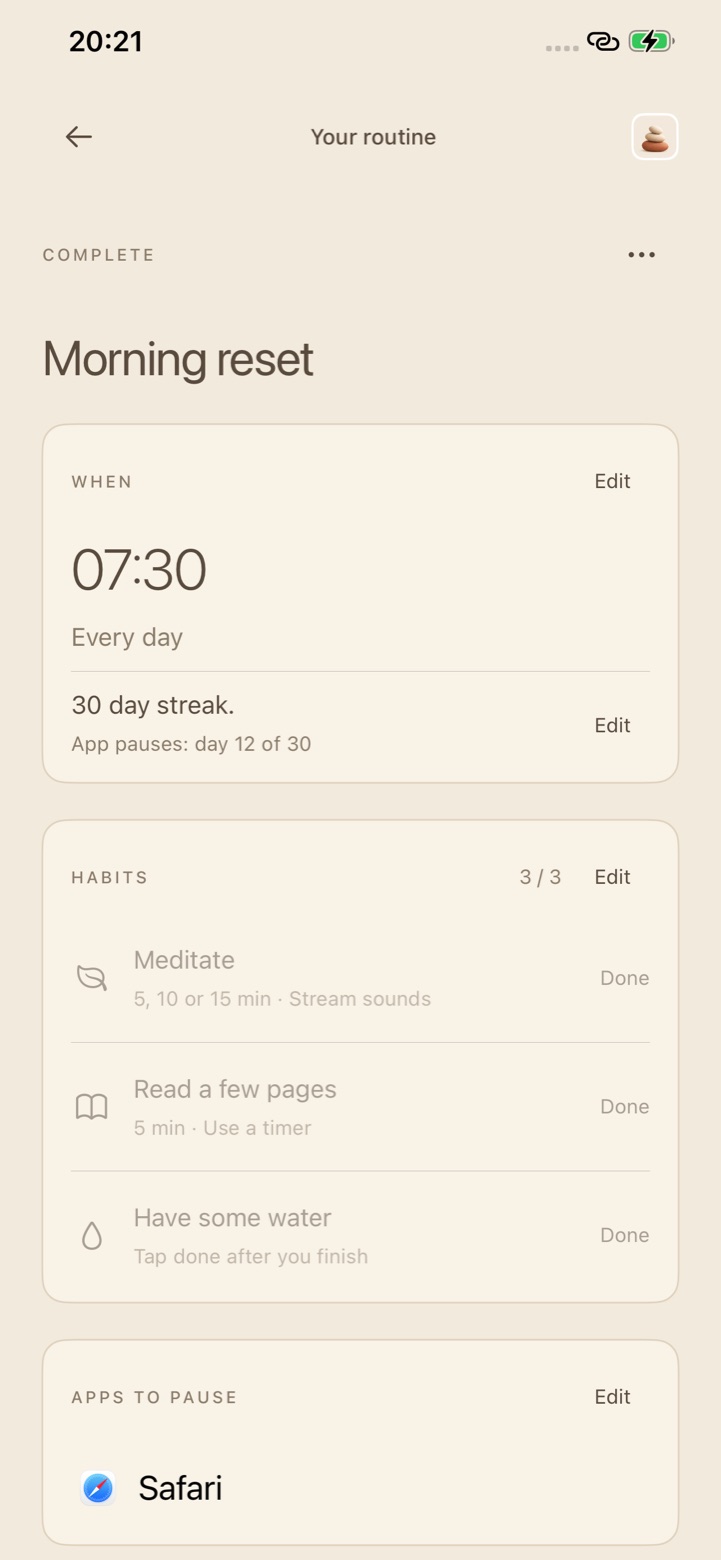
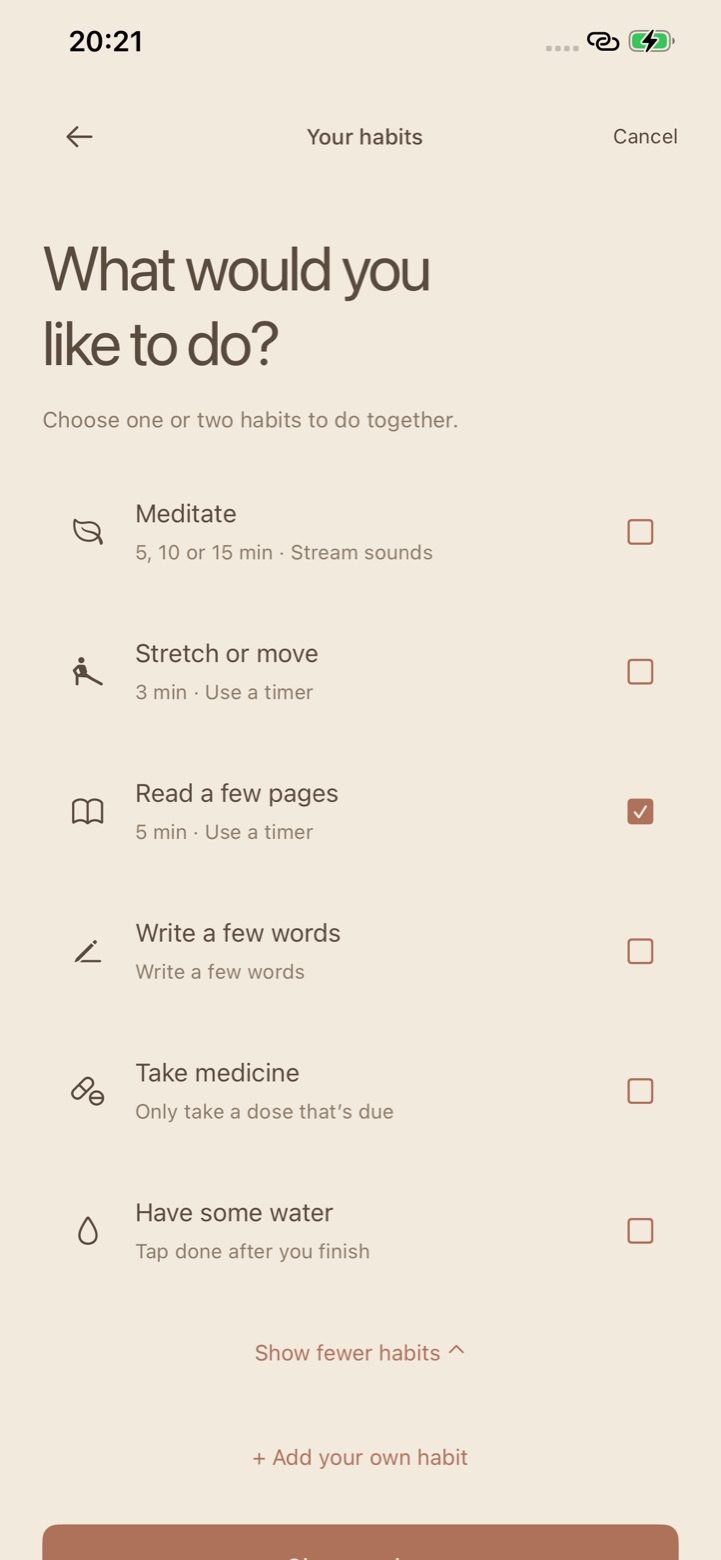
Screens from the iPhone app, showing sample routines.
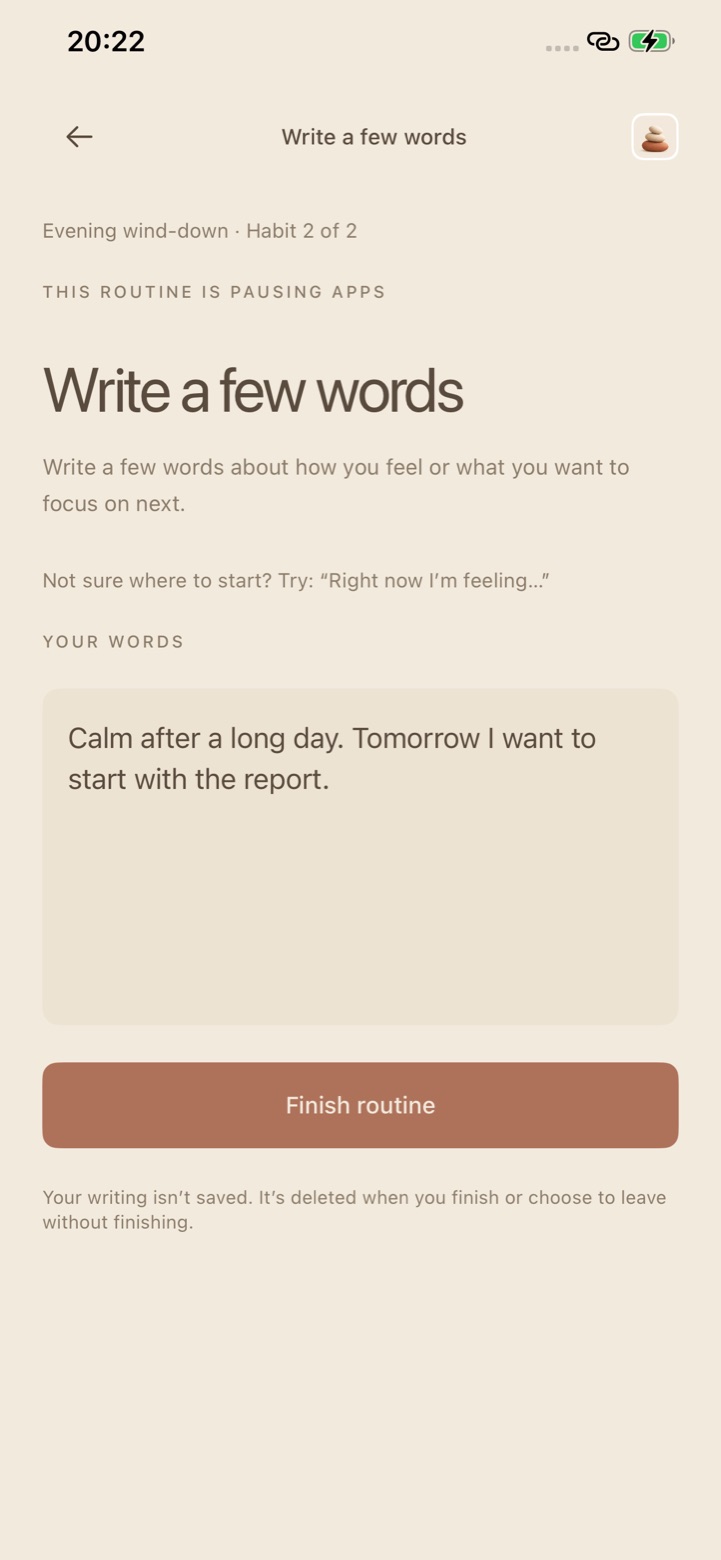
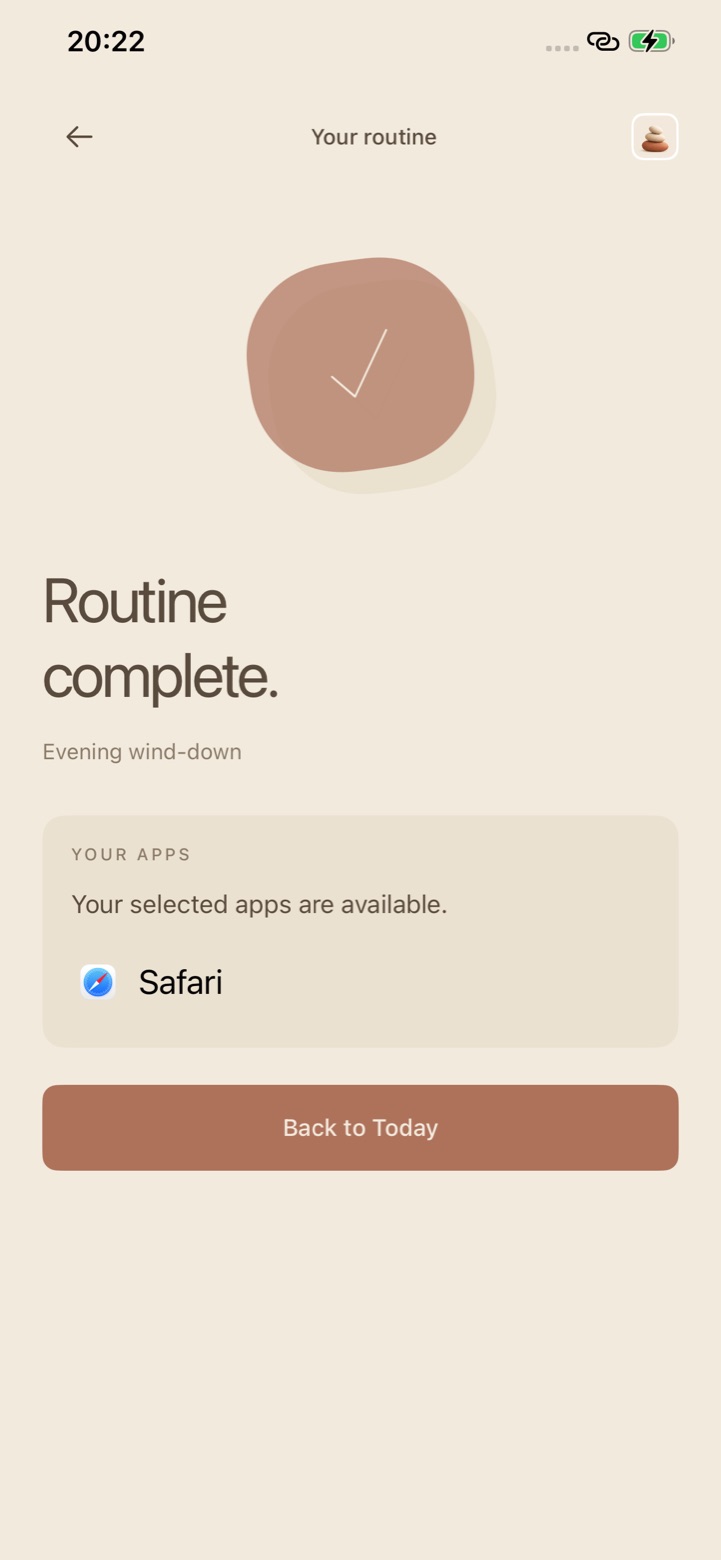
Make room for a routine
Choose habits, a schedule, and a 30- or 60-day guided period. Give each routine its own name and selected apps.
Grant Screen Time access and choose apps or categories in Apple’s system picker. On scheduled days, HabitFlip pauses those apps while your routine is due.
Complete the chosen habits and confirm the final step. A final timer has a separate Finish routine button. Apps shared with another unfinished routine stay paused.
Something grounding
Use Today to see what’s due and Routines to manage your different routines and progress.
Keep a timed habit’s screen open. Leaving or backgrounding resets an unfinished timer.
Support that changes with you
Track your routine’s progress through its guided period. Afterward, that routine moves into independent practice without its regular app pauses. App pauses can return after missed scheduled days; the app explains the restart rules for your routine.
Reminders are optional. Choose Yes or Not now while setting up a routine, and manage notification permission from App settings. Reminder frequency reduces during independent practice.
Your habits, your device
No ads or analytics SDKs. Routine definitions, app selections, and progress stay on your device. HabitFlip has no app-operated backend.
Your reflection is cleared when you finish, leave its screen, or background the app. It is not a saved journal.
Read the privacy policy ↗On your terms
HabitFlip supports voluntary self-control. Activities are timed or self-reported, and scheduled starts depend on iOS background delivery. Website blocking is not supported.
When no routine is holding apps paused, App settings lets you revoke Screen Time access. You also retain control of authorization through iOS.
The medicine habit only confirms a dose already due under your usual routine. It gives no medical or dosing advice.
Get help and answers ↗